Mod settings for 7 Days to Die
Give your mod a
settings page.
Gears 8.0.0 · GearsAPI.dll 3.0.0
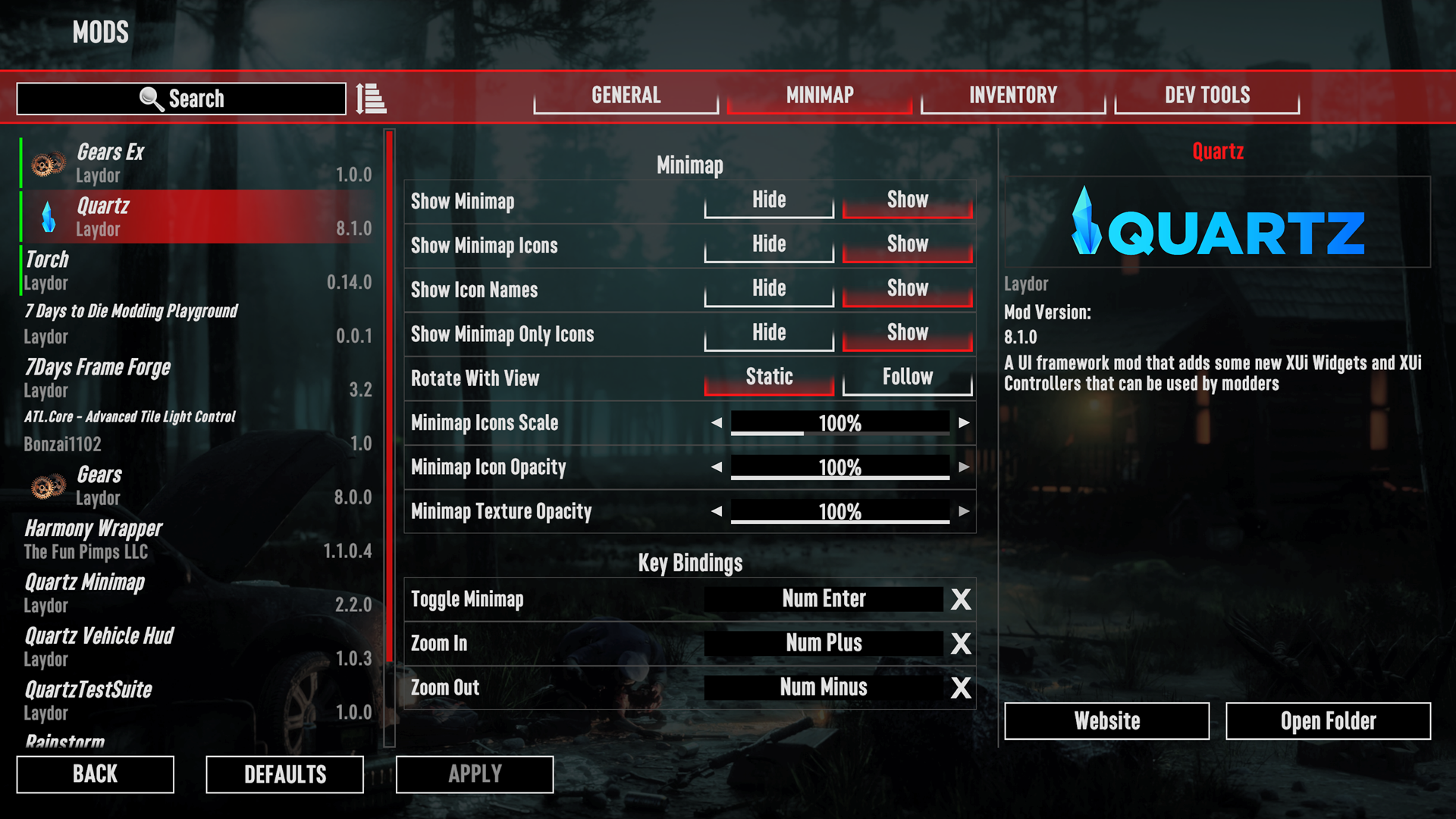
Gears is a mod settings framework for 7 Days to Die. It draws your mod's settings in the game's own Mods menu, saves what the player picks, sends per-world values to every client, and hands those values back to your XML patches and your C#.
XML or C#
Declaring settings takes no code at all. Reach for C# when you want typed values and callbacks.
Put a ModSettings.xml next to your ModInfo.xml and Gears builds the page from it. You write no C# and reference no assembly.
<?xml version="1.0" encoding="utf-8"?><ModSettings version="2"> <Global> <Tab name="General" displayKey="myModTabGeneral"> <Category name="Display" displayKey="myModCatDisplay"> <Selector name="Units" displayKey="myModUnits" type="string" defaultValue="metric"> <List allowedValues="metric,imperial" /> </Selector> <Switch name="ShowHints" displayKey="myModShowHints" type="bool" defaultValue="true" /> </Category> </Tab> </Global></ModSettings>Read the value back in any of your Config/*.xml patches with modsetting().
<configs> <conditional> <if cond="modsetting('MyMod', 'Global', 'General.Display.ShowHints') == 'True'"> <set xpath="/hints/@enabled">true</set> </if> </conditional></configs>Mods that use Gears
The Mod Showcase lists mods that give players a settings page with Gears. Each one links to the mod's own page. To list yours, open a pull request with its name, description, image, and link.

Why not a config file
Every mod needs somewhere to keep its options. Here is what Gears does that a file in your mod folder does not.
Players never edit a file
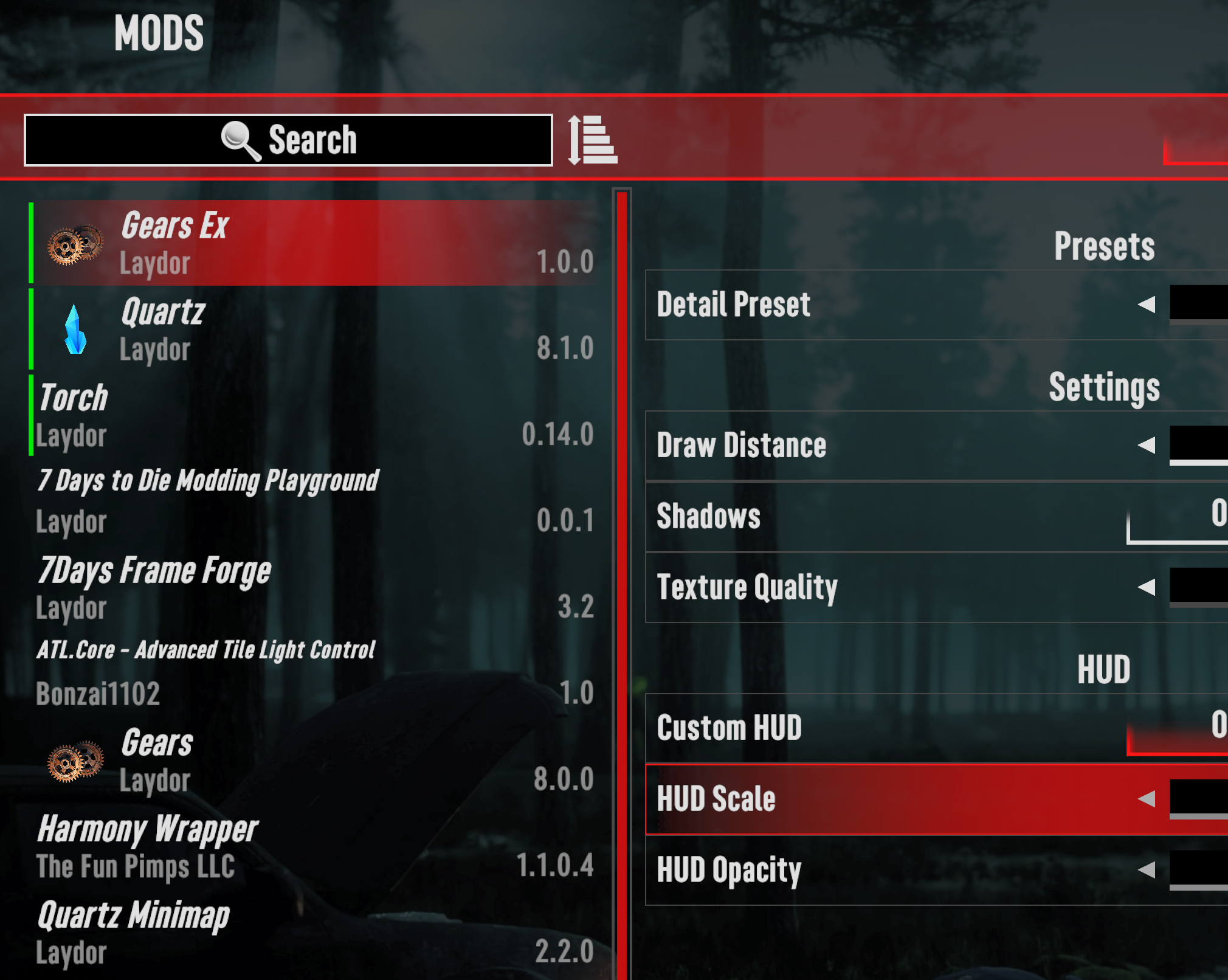
A config file means alt-tabbing, finding the mod folder, editing XML by hand, and no feedback at all when a typo breaks it. Gears draws the settings in the Mods menu, saves what the player picks, and restores it the next time the game starts.
One host picks, every client gets it
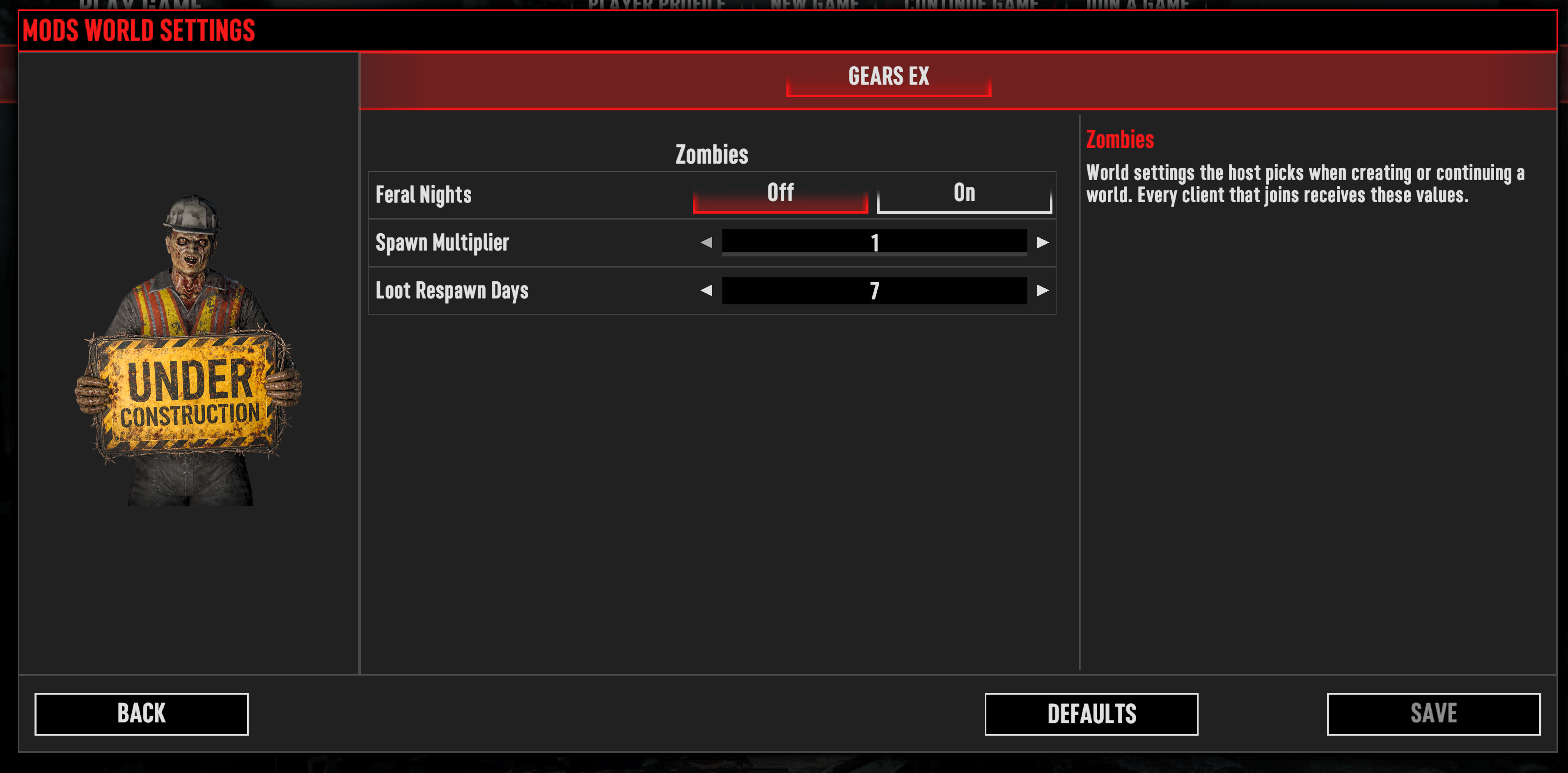
A config file belongs to one install. The host chooses a world's settings on the New Game screen, Gears writes them into the save, and every client that joins receives the same values.
You would be writing UI, not gameplay
Building this yourself means a control for each setting type, a saved-values file and the code that restores it, localization lookups, per-world serialization, the server-to-client handoff, and a rebinding row that behaves like the game's own Controls screen. That is what Gears already is.
Gears stays optional
Ship GearsAPI.dll in your own mod folder and your mod still loads for a player who does not have Gears installed. They see no settings page, and the patches that read a setting do not apply.
Five setting types
Tabs and categories group them, and each one is a row the player reads and changes without leaving the game.


Selector
One value at a time, with arrows to step through a fixed list. Use it for quality levels, modes, or a handful of numbers.
Every type also takes a caption, a description, preview images shown as the value changes, localization keys for its labels, and a warning when a change needs a world reload or a game restart. See Choose a Setting Type.
Two kinds of setting
Where a value is stored, and who gets to change it, is the one decision to make per setting.
Global settings
A global setting belongs to the player. They change it from the main menu or the in-game menu, the value applies in every world, and Gears saves it to one file shared by every mod.
World settings
A world setting belongs to one world. The host picks it when creating or continuing that world, every client that joins receives it, and it cannot be changed while the world is running.
Questions
Most answers are already written down. When yours is not, ask the people who build and play with 7 Days to Die mods.
Check the docs first
Players can start with the Player FAQ, which covers installing Gears, who controls world settings in multiplayer, and what to do when a mod's settings page looks wrong. Mod authors can start with Troubleshooting, which matches a missing or misbehaving setting to the line Gears writes in the game log.
Ask on Discord
Guppy's Unofficial 7DtD Modding Server is a community Discord for 7 Days to Die modding. Ask about Gears in the #laydors-toolshed channel, whether you play with mods or write them. Include the full log file from the session where the problem happened so others can see what happened.
Start with a ModSettings.xml
One file beside your ModInfo.xml gives your mod a settings page. Add C# later, or never.